
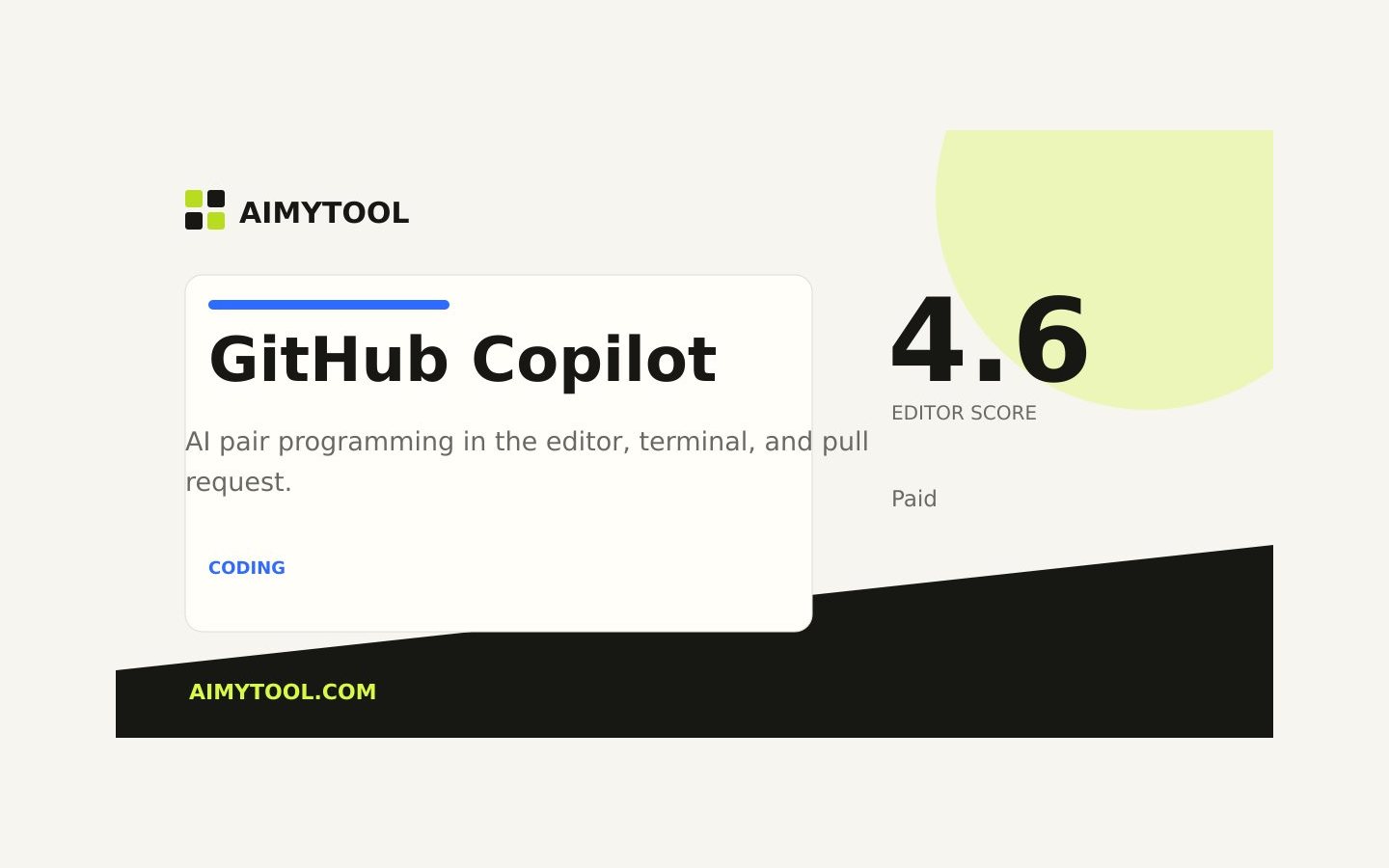
GitHub Copilot
AI pair programming in the editor, terminal, and pull request.
What it does
GitHub Copilot assists with autocomplete, chat, terminal commands, and code review. Its GitHub integration makes it a natural fit for teams already working inside the GitHub development workflow.
How it helps
Common use cases include Everyday coding, Test generation, Pull request review. Key capabilities include Context-aware code completion, Copilot Chat in the editor, Pull request summaries, Enterprise policy controls.
Common use cases
Everyday coding
Test generation
Pull request review
Who it is for
Teams and individuals who need a practical coding & dev tool with a clear workflow.
Where it is not the best fit
Teams that require a fully bespoke implementation or cannot use a hosted product.
Key features
Frequently asked questions
What is GitHub Copilot used for?
GitHub Copilot is primarily used for coding & dev workflows. AI pair programming in the editor, terminal, and pull request.
How much does GitHub Copilot cost?
GitHub Copilot uses a Paid pricing model. The listed starting price is $10/mo.
Who is GitHub Copilot best for?
It is best for teams and individuals evaluating a focused coding & dev workflow.
Which platforms support GitHub Copilot?
GitHub Copilot lists support for VS Code, JetBrains, Visual Studio, Neovim.
Alternatives to compare


Reviews and recommendations
Approved community reviews only. We do not invent ratings or publish reviews from unverified submissions.
No approved reviews yet.
Be the first person to share a real experience after using this tool.