
Framer
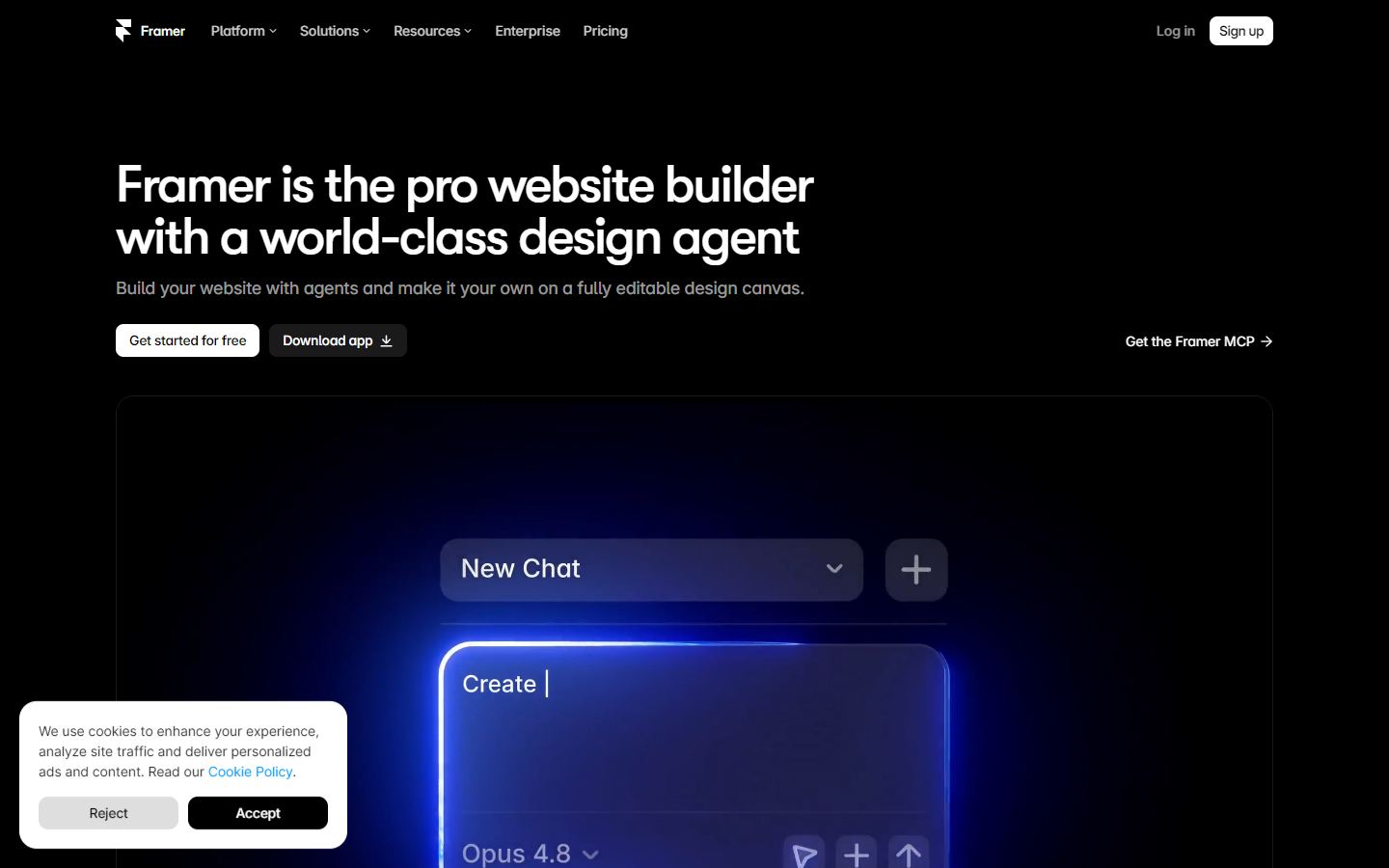
Design and publish responsive websites with AI assistance.
What it does
Framer combines visual website design, CMS, animation, and publishing. Its AI tools help generate layouts and copy while keeping the output editable in a professional design canvas.
How it helps
Common use cases include Marketing sites, Portfolios, Interactive prototypes. Key capabilities include Visual responsive design, AI page and copy generation, Built-in CMS, Fast hosted publishing.
Common use cases
Marketing sites
Portfolios
Interactive prototypes
Who it is for
Teams and individuals who need a practical image & design tool with a clear workflow.
Where it is not the best fit
Teams that require a fully bespoke implementation or cannot use a hosted product.
Key features
Frequently asked questions
What is Framer used for?
Framer is primarily used for image & design workflows. Design and publish responsive websites with AI assistance.
How much does Framer cost?
Framer uses a Freemium pricing model. The listed starting price is $10/mo.
Who is Framer best for?
It is best for teams and individuals evaluating a focused image & design workflow.
Which platforms support Framer?
Framer lists support for Web, macOS, Windows.
Alternatives to compare

Reviews and recommendations
Approved community reviews only. We do not invent ratings or publish reviews from unverified submissions.
No approved reviews yet.
Be the first person to share a real experience after using this tool.